Local-First File Ownership
MinkNote stores notes as standard Markdown files in normal folders, not in a proprietary cloud container. You can inspect, back up, version, and move your files with familiar macOS tools.
Learn moreWork Across Projects with Ease
MinkNote lets you work with more than one project. Each project is simply a folder on your Mac, making it easy to separate different areas of your work and switch between them at any time.
Learn moreOrganise Clearly with Journals and Folders
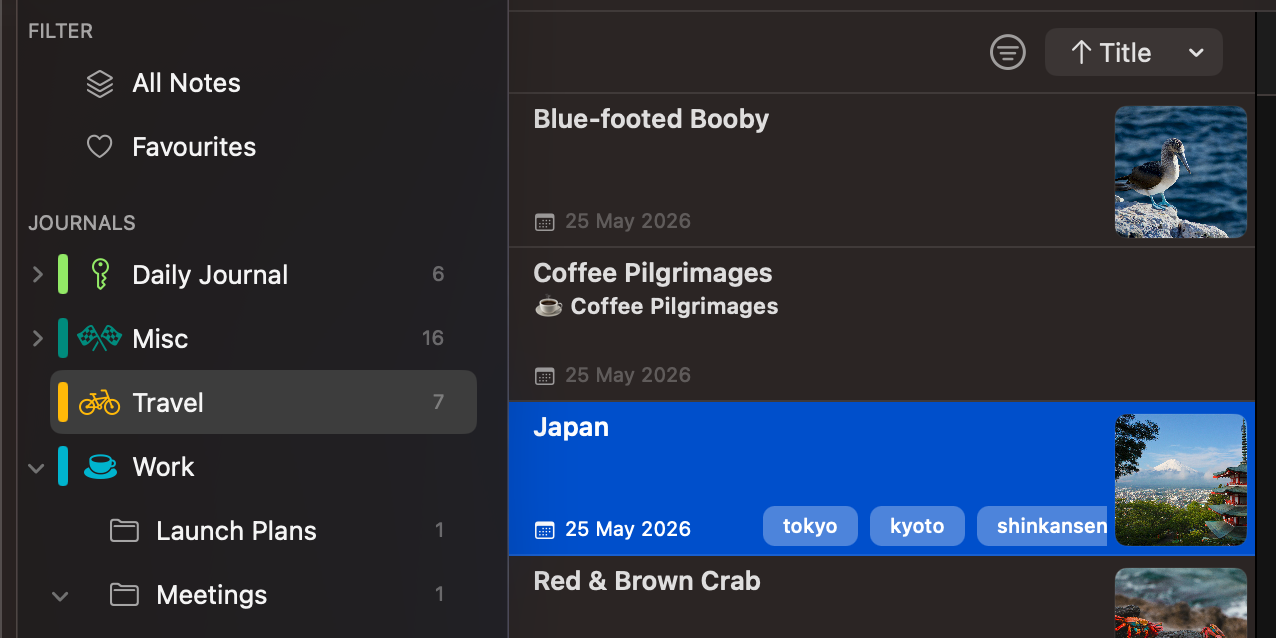
Journals group related notes together, while folders add another layer of organisation. This simple hierarchy keeps your work tidy, flexible, and easy to navigate as it grows.
Learn moreTwo Simple Ways to Capture Your Ideas
MinkNote supports two clear note styles. Standard notes are for ideas that grow and change. Journal notes are for moments in time, automatically organised by date.
Learn moreWrite Your Way: Markdown, Rich Text, or Both
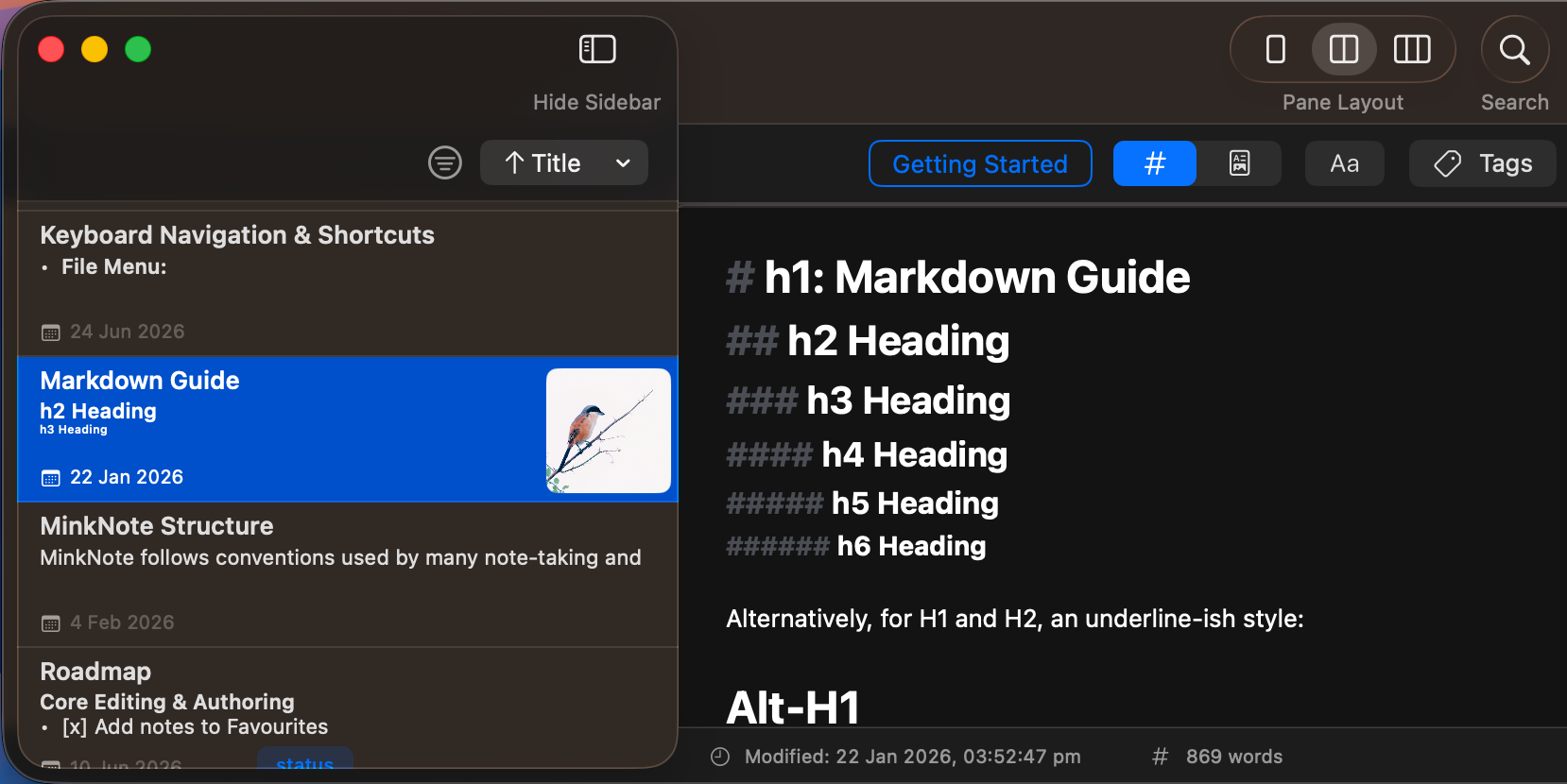
MinkNote lets you write in Markdown or use a rich text editor, depending on how you like to work. You can even use Split View to type in Markdown and see it update instantly as beautifully rendered content.
Learn moreA Formatting Toolbar When You Want It
MinkNote includes a simple formatting toolbar for quick access to common styles. You can keep it visible for convenience, or hide it to enjoy a clean, distraction-free writing space.
Learn morePowerful Tables, Made Simple
MinkNote gives you rich table controls directly inside your notes. Add or remove rows and columns, adjust alignment, and reshape your layout in seconds, all while keeping clean Markdown behind the scenes.
Learn moreImages, Organised Automatically
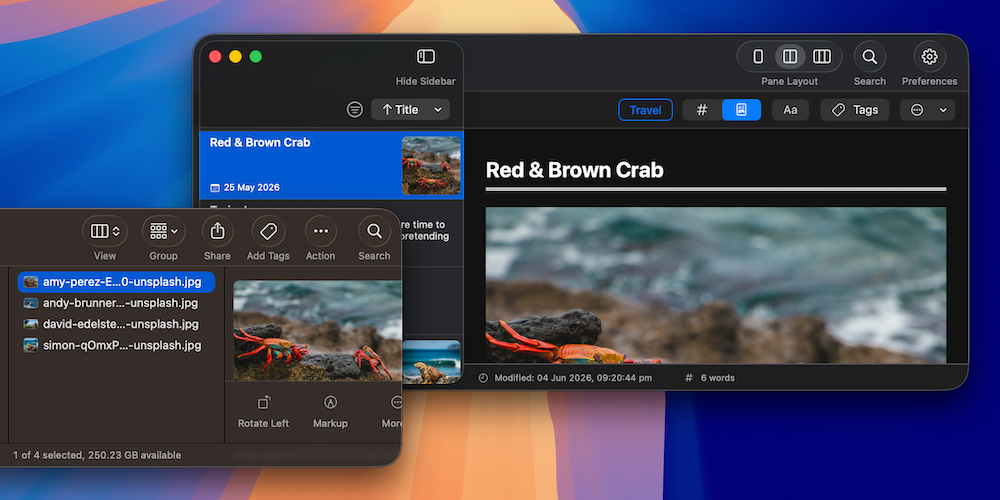
Your notes keep simple inline references to those images, which means they remain easy to read, move, and use outside the app if needed.
Learn moreReorganise with Drag and Drop
You can move notes between folders and journals with simple drag and drop. When you do, MinkNote keeps everything together, including images and attachments, so nothing gets left behind.
Learn moreOrganise with Tags and Favourites
Tags and favourites help you organise your notes in a way that feels natural. Add tags to connect related ideas across journals, and mark important notes as favourites so they're always close at hand.
Learn moreManage Note Details with Frontmatter
Frontmatter is a small block of hidden information at the top of your note. MinkNote uses it to manage things like tags, pinning, and internal identifiers. Most of the time, you won't need to think about it at all.
Learn moreFind Anything, Instantly
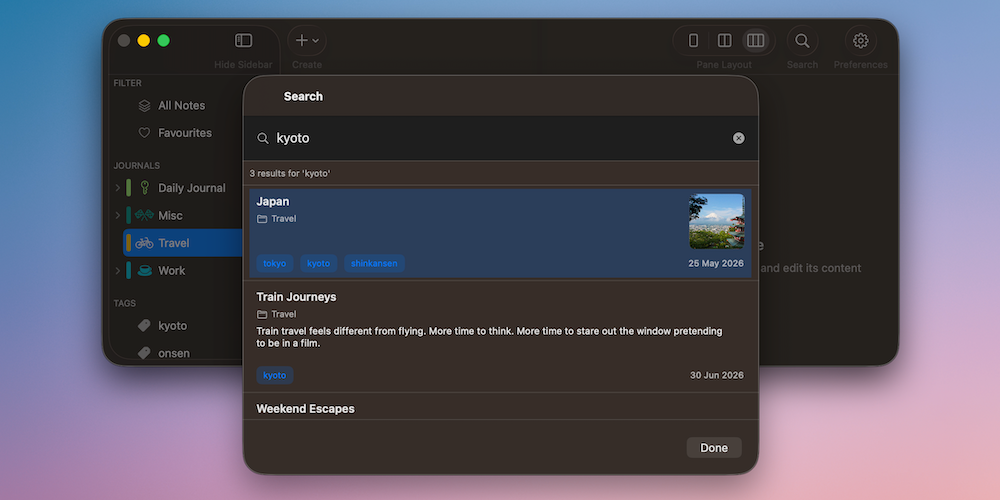
MinkNote includes three distinct search tools, each designed for a specific job. You can search within the current note, filter notes inside a journal, or search across your entire project. It's fast, precise, and built to match how you think.
Learn moreNavigate Your Mac with the Keyboard
MinkNote is designed for people who prefer the keyboard. You can jump between journals, switch notes, and return to the editor without reaching for the mouse. The flow feels natural on macOS and helps you stay in the moment.
Learn moreWork Across Multiple Windows
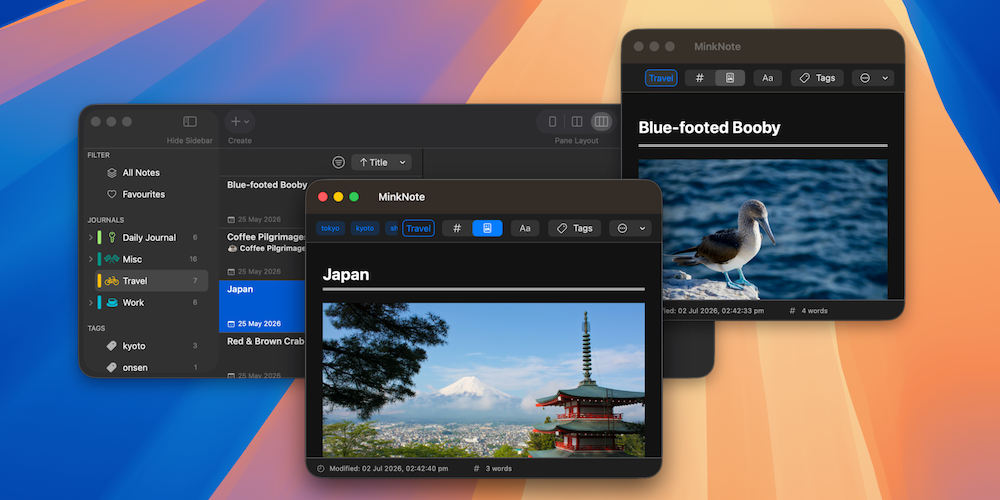
MinkNote lets you open any note in its own window. This makes it easy to view two notes at once, copy information between them, or keep reference material visible while you write. Each window behaves just like the main app.
Learn moreRefined Appearance & Interface
MinkNote is designed to blend naturally into your Mac. You can tailor how notes appear in the list, choose whether counts are visible, and decide when front matter shows in Markdown mode. The editor layout can also be adjusted to match how you prefer to write.
Learn moreAccessibility Support
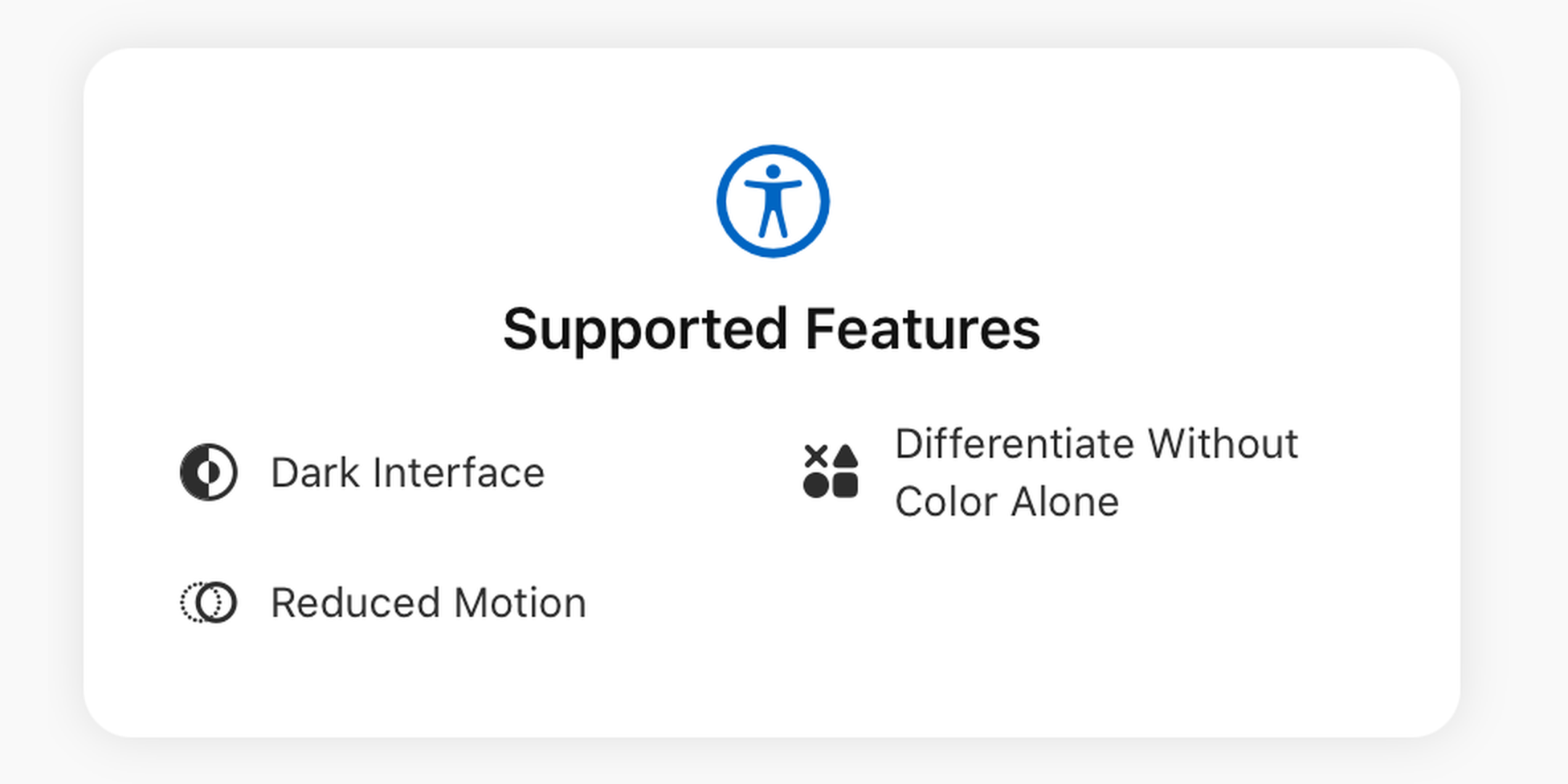
MinkNote respects accessibility choices that matter during long writing sessions. You can use the app in a dark interface, reduce motion-heavy transitions, and rely on labels and icons instead of colour alone when reading selection states or values.
Learn moreWorks with Your Cloud Folders
You can store your MinkNote project in a cloud-synced folder such as iCloud Drive, Dropbox, or similar services. Because your notes are standard Markdown files, they sync just like any other document. There's no special setup required, and you stay in control of where your files live.
Learn moreMoving from Apple Notes to Markdown
Leaving Apple Notes? Your writing can come with you. MinkNote uses standard Markdown files stored right on your Mac, so your notes stay readable, editable, and easy to organise over time. There's no hidden database and no proprietary format locking things away.
Learn moreBuilt for Apple Writing Tools
Because MinkNote is fully native to macOS, it automatically supports Apple Writing Tools. You can use system-level features to improve clarity, adjust tone, or rephrase text without leaving your note. Everything feels integrated and consistent with the way writing works across your Mac.
Learn moreNote Linking
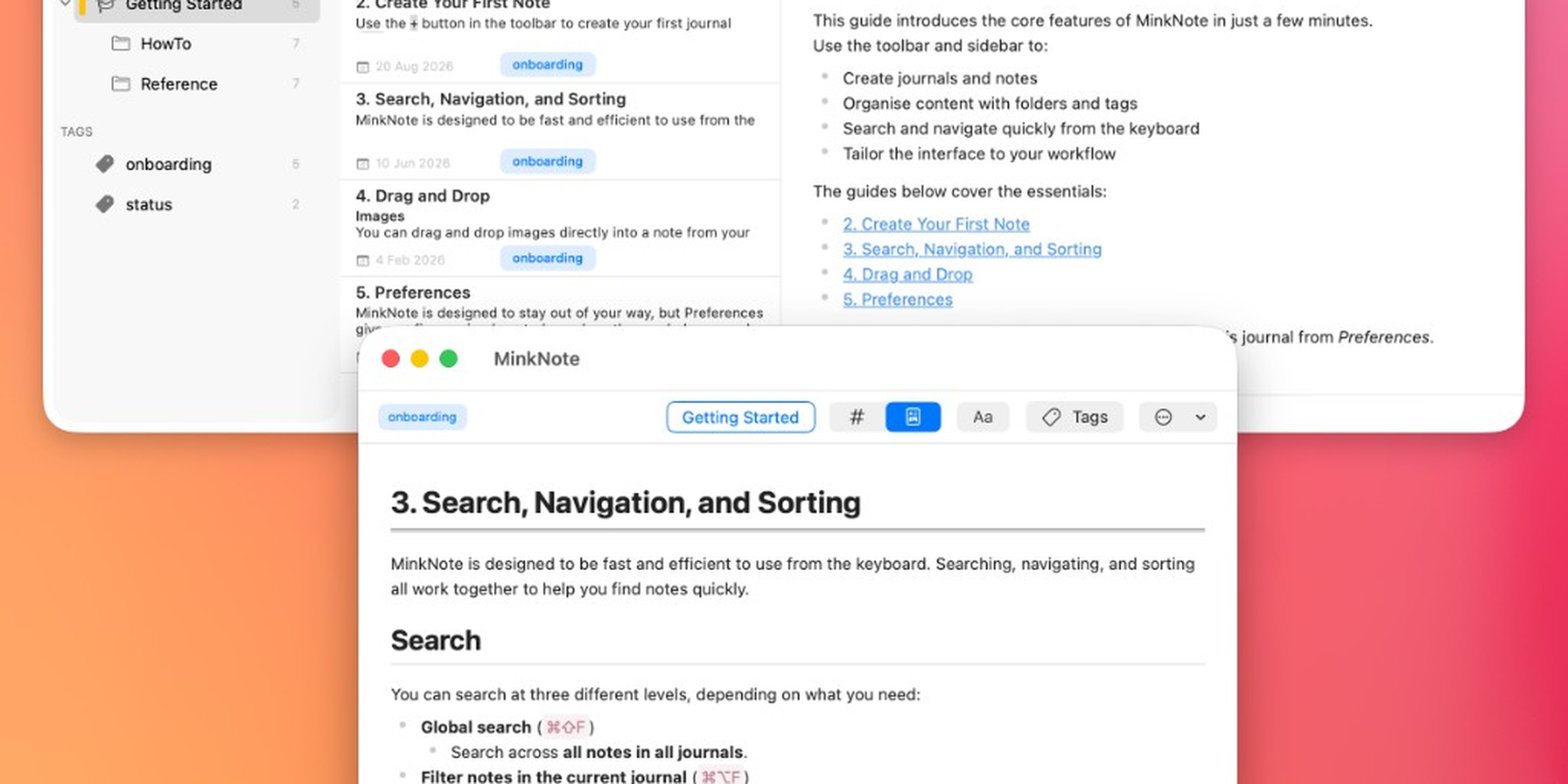
MinkNote lets you link text in one note to another note in the same project. Search for the destination, choose the link name, and jump straight to the connected note whenever you need it.
Learn moreNo Import Required
Already have a folder full of Markdown files? Open it directly in MinkNote and carry on where you left off. There's no import process and no need to move your notes into a special library. Your files stay exactly where you put them.
Learn moreBuilt on Apple Technologies
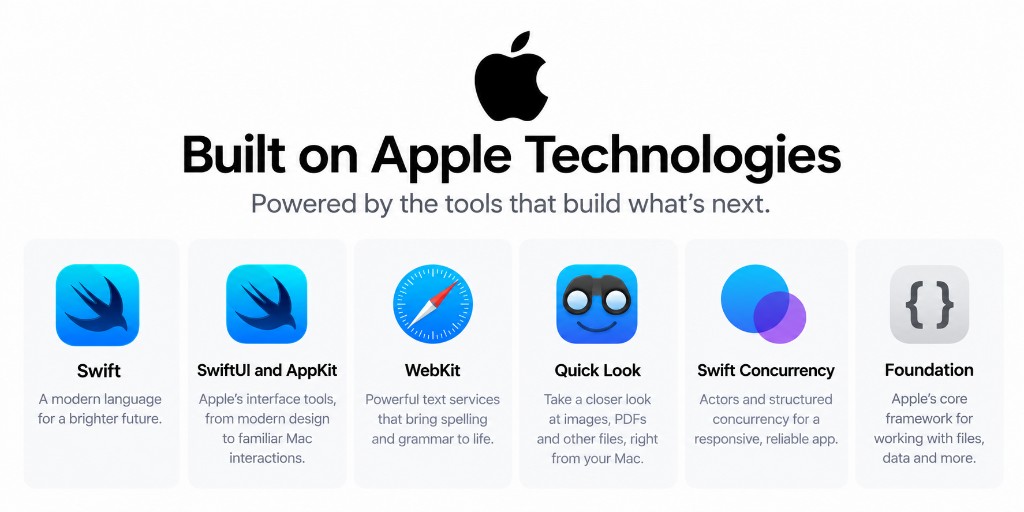
MinkNote brings together SwiftUI and AppKit for its native Mac interface, WebKit for rich-text editing, and Quick Look for image previews. Underneath, Swift concurrency supports responsive operation, while Foundation connects your workspace directly to the files and folders on your Mac.
Learn moreYour Files Stay in Sync
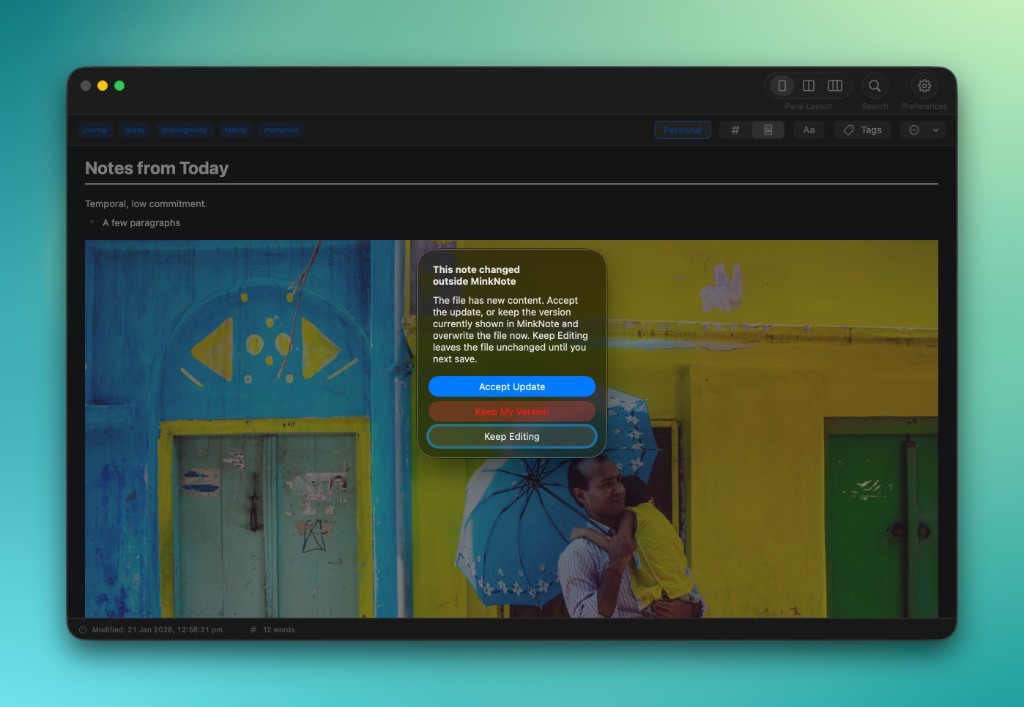
Your notes are ordinary Markdown files, so you're free to edit them outside MinkNote whenever you like. If another app, tool, or AI agent changes a note you have open, MinkNote notices and lets you decide which version to keep. Your work is never silently replaced.
Learn moreRich Note Metadata
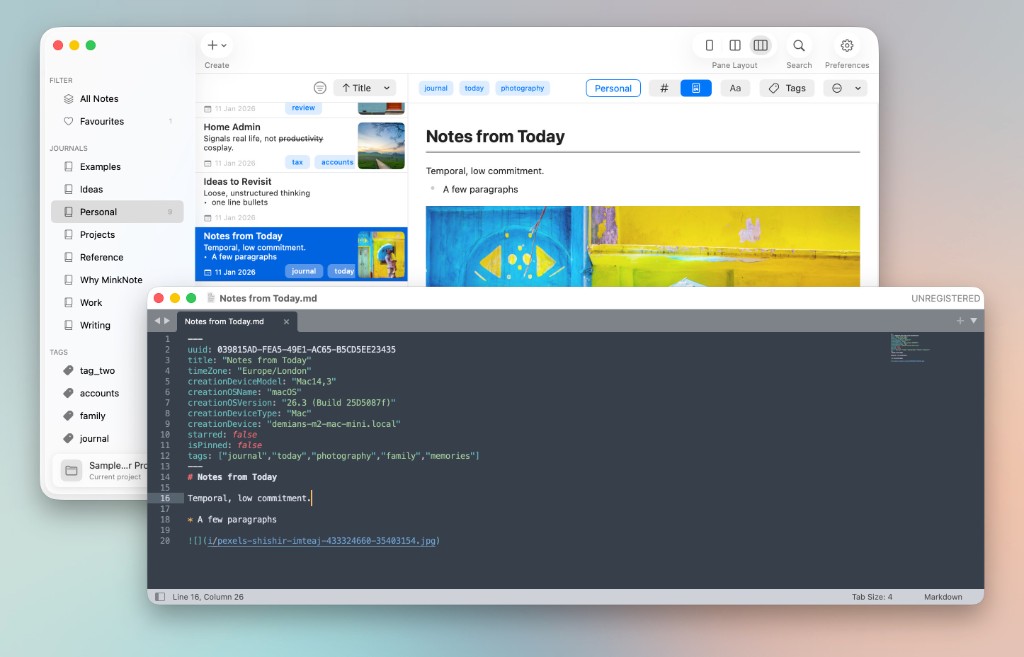
Every note can carry useful context alongside your writing. MinkNote records details such as creation time, device, tags and other note information directly in the Markdown file, with more context such as location and weather planned for the future.
Learn moreNo features match .