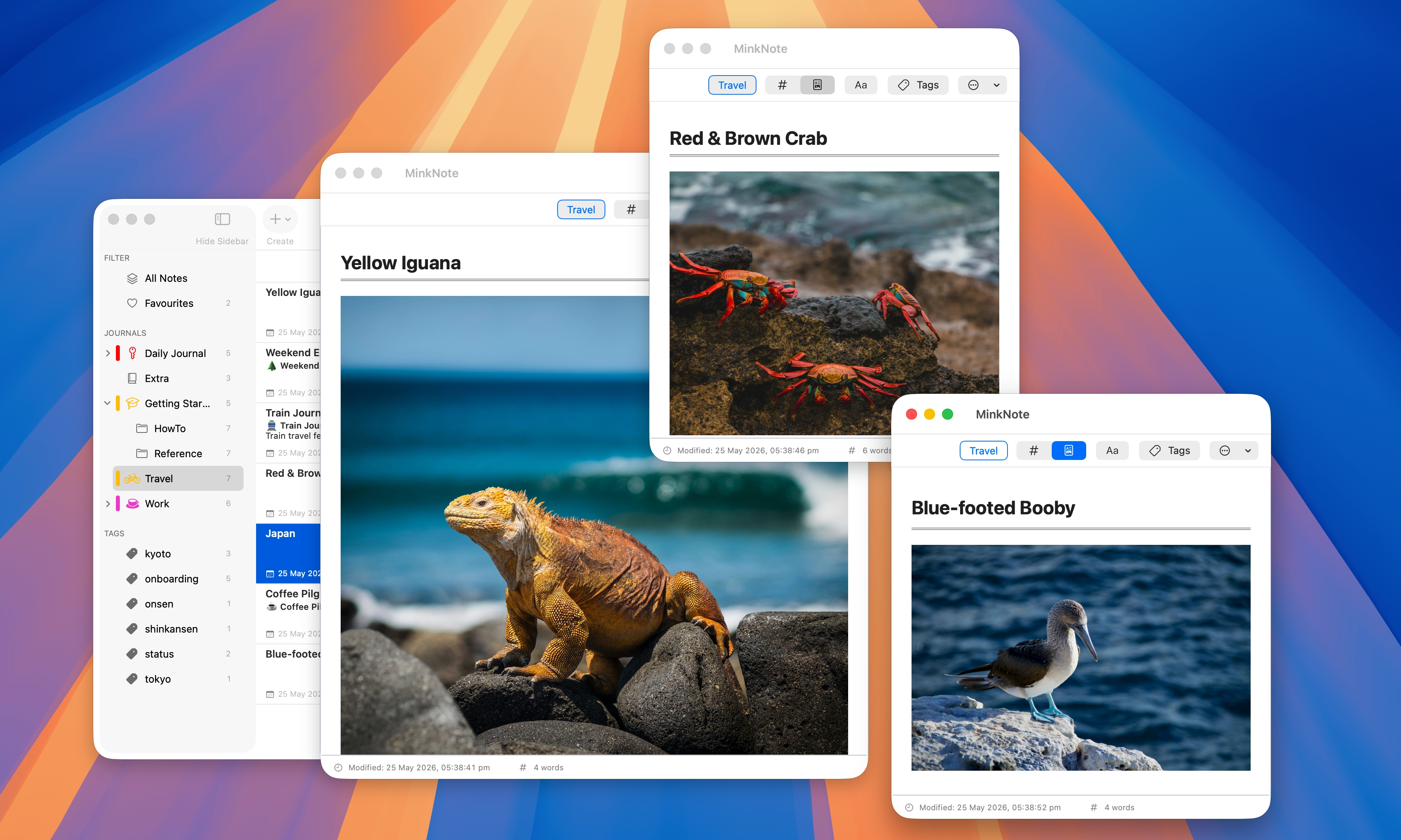
MinkNote lets you open any note in its own window. This makes it easy to view two notes at once, copy information between them, or keep reference material visible while you write. Each window behaves just like the main app.
Sometimes you need more space. With MinkNote, you can open notes in multiple windows and arrange them however you like. Place them side by side to compare drafts, keep research visible while writing, or focus on one document without losing sight of another.
Each window is fully functional, with the same editing tools and layout you expect. It feels natural on macOS, just like working with multiple documents in other native apps.
Whether you’re reviewing, rewriting, or organising ideas, multiple windows help you stay in flow without constantly switching back and forth.