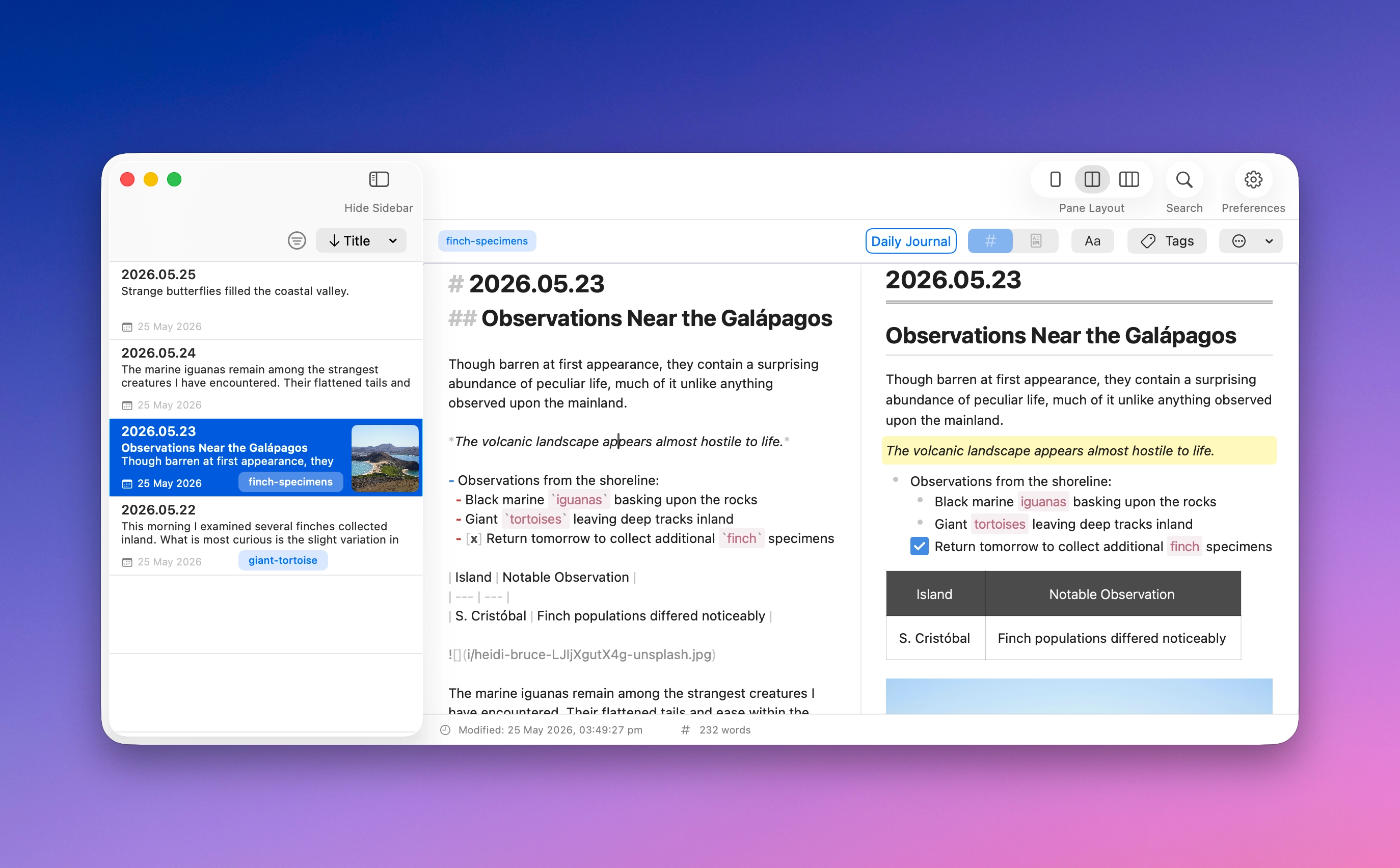
MinkNote lets you write in Markdown or use a rich text editor, depending on how you like to work. You can even use Split View to type in Markdown and see it update instantly as beautifully rendered content.
MinkNote gives you the flexibility to write the way that feels most natural. Use Markdown for precision and full control, or switch to a rich text view for a more visual editing experience. Both modes work with the same underlying file, so nothing gets lost in translation.
When you want the best of both worlds, turn on Split View. Write in Markdown on one side and watch it update live as rendered HTML on the other. It’s perfect for long-form writing, documentation, or any note where structure matters.
No matter which mode you choose, your content remains clean, portable, and future-proof. You stay focused on your ideas while MinkNote keeps everything in sync behind the scenes.