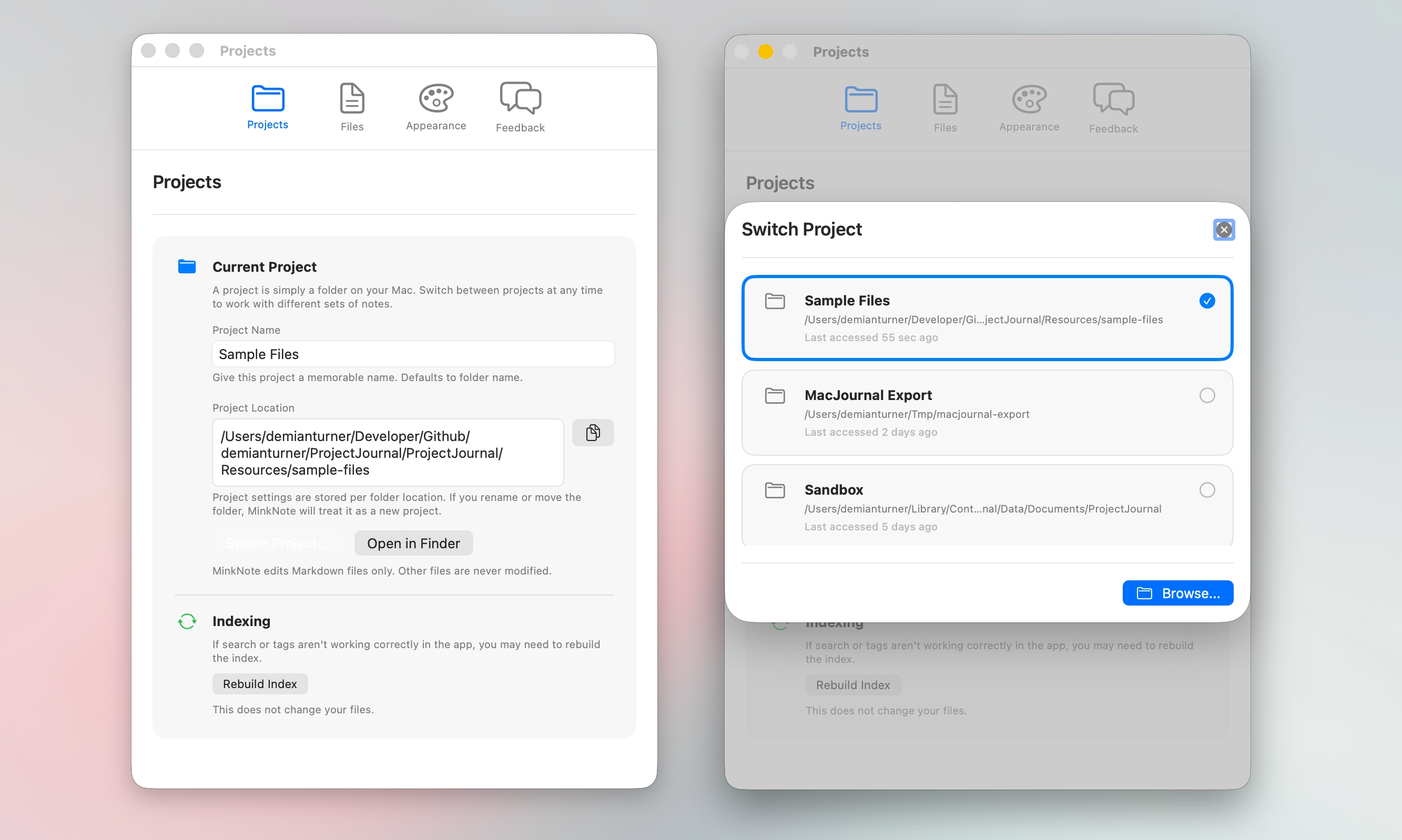
MinkNote lets you work with more than one project. Each project is simply a folder on your Mac, making it easy to separate different areas of your work and switch between them at any time.
MinkNote supports multiple projects, so you can keep different parts of your life or work clearly separated. A project is simply a folder on your Mac that contains your Markdown notes and related files. There is no hidden database or special format behind the scenes.
You might create one project for work, another for personal writing, and another for research or study. Switching between them is fast and effortless. Your files stay exactly where you put them, and MinkNote simply presents them in a focused, organised way.
Because projects are just folders, they remain fully accessible in Finder and other apps. You are never locked into a proprietary structure. This makes it easy to archive, back up, or move projects whenever you need to.
Multiple projects give you flexibility without complexity. Keep things separate when it helps you think clearly, and switch context in seconds when your focus changes.