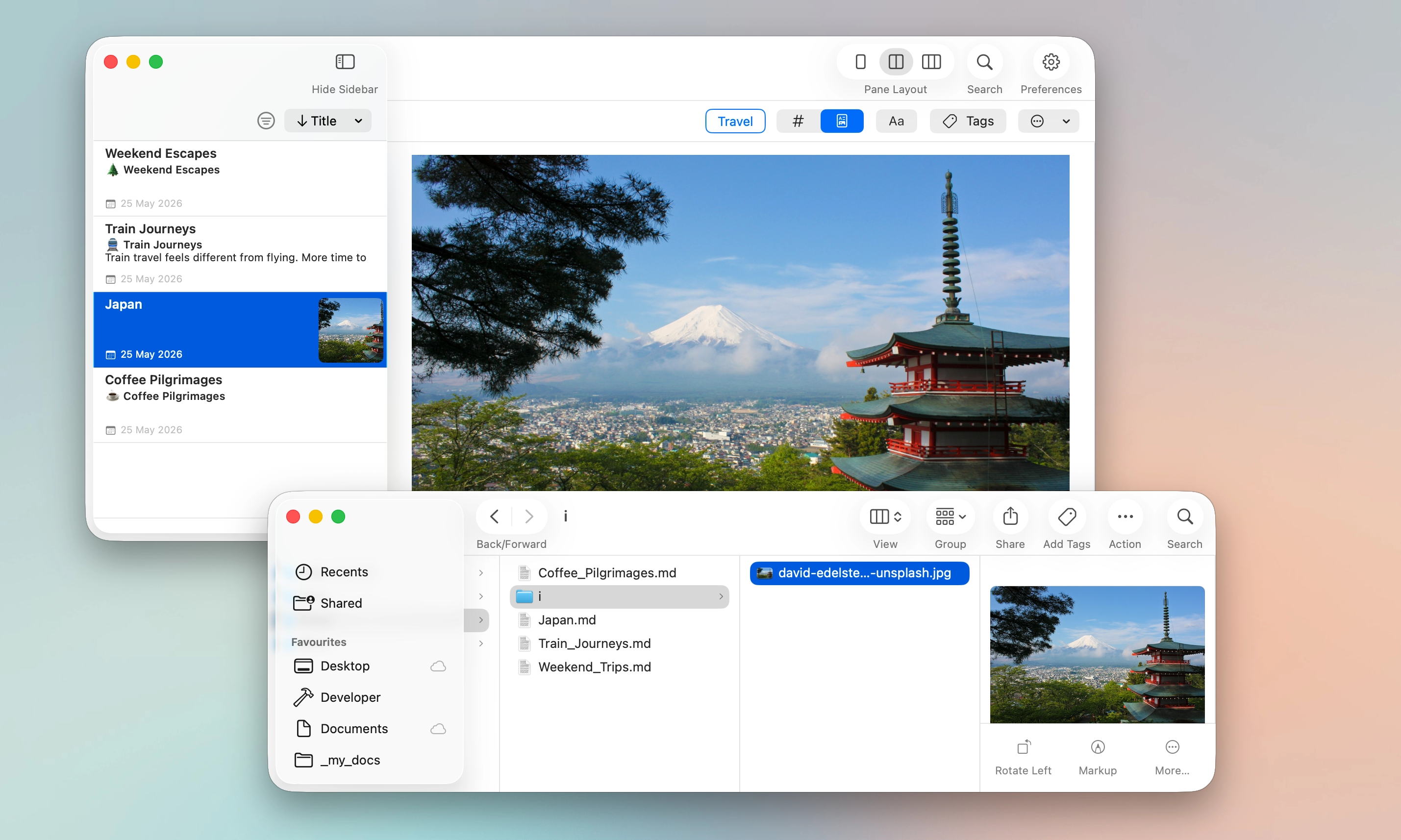
Your notes keep simple inline references to those images, which means they remain easy to read, move, and use outside the app if needed.
MinkNote treats images as part of your note, not separate attachments. You can paste screenshots or drag images in from Finder, and they are stored neatly alongside the note.
When you move a note to another folder or journal, its images move with it automatically. You don’t need to track files or fix broken links.
Everything stays organised on disk in a simple, predictable structure. Your notes and their images stay together, so reorganising your work never creates a mess.