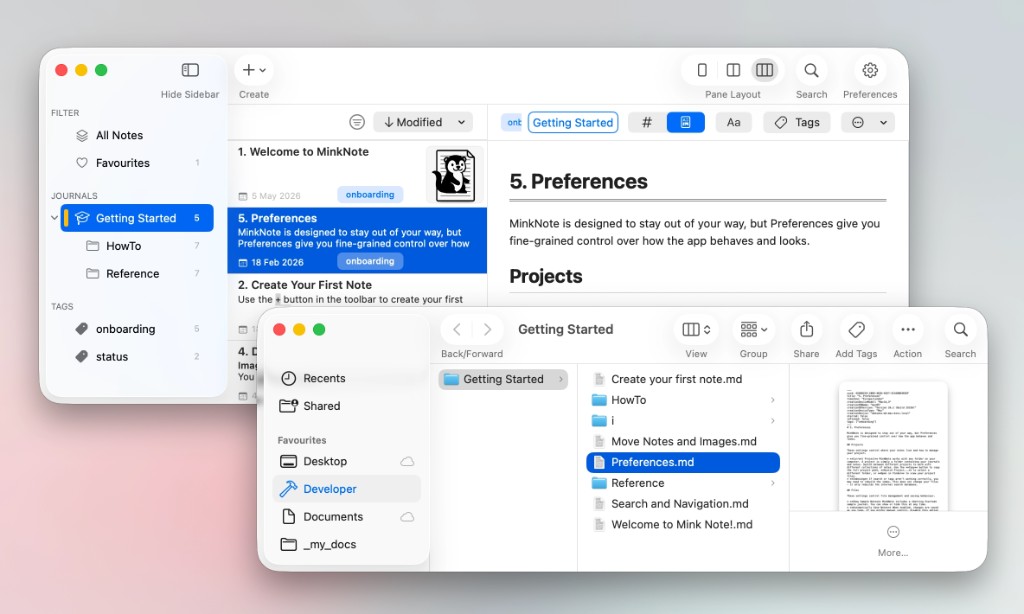
Already have a folder full of Markdown files? Open it directly in MinkNote and carry on where you left off. There's no import process and no need to move your notes into a special library. Your files stay exactly where you put them.
MinkNote works with your Markdown files where they already live. Simply open an existing folder and start writing. There's no migration, no import process, and no need to reorganise your files around the app.
Your notes remain ordinary Markdown files in folders you control. MinkNote works with them in place rather than pulling them into a proprietary database or hidden library.
That means you can keep using the same files with other Markdown editors, scripts, backup tools, Git, or whatever else fits your workflow. MinkNote adapts to your files, not the other way around.