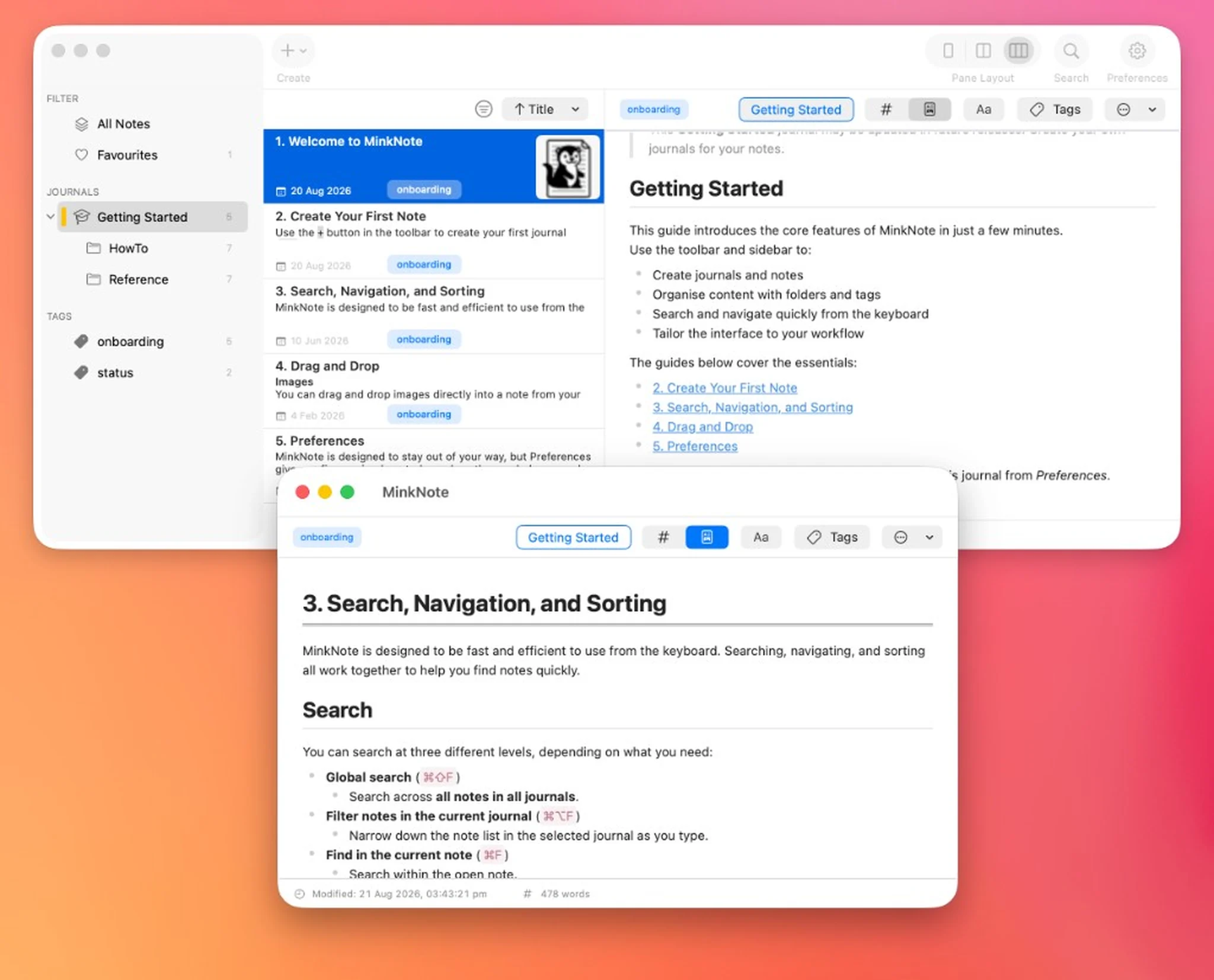
MinkNote lets you link text in one note to another note in the same project. Search for the destination, choose the link name, and jump straight to the connected note whenever you need it.
Some ideas belong together even when they live in different notes. MinkNote makes those connections easy to create, so a meeting note can point to a project plan, a reading note can link to a journal entry, and a small detail can lead back to the bigger picture.
Select text and add a note link from the editor, toolbar, or keyboard. If you use Command-K without selecting text, MinkNote can insert the destination note’s title at the cursor, keeping the link clear without extra typing. Search helps you find the right note by title, text, or tags before the link is added.
Links are designed to stay useful as your project changes. If a destination note is renamed or moved, the connection can still take you to the right place inside MinkNote. You can also copy a link to a note and paste it somewhere else when you want a direct path back.
When exporting journals, MinkNote can turn note links into portable Markdown links that point to the exported files. That keeps connected writing readable outside the app, while preserving the fast, native linking experience inside MinkNote.