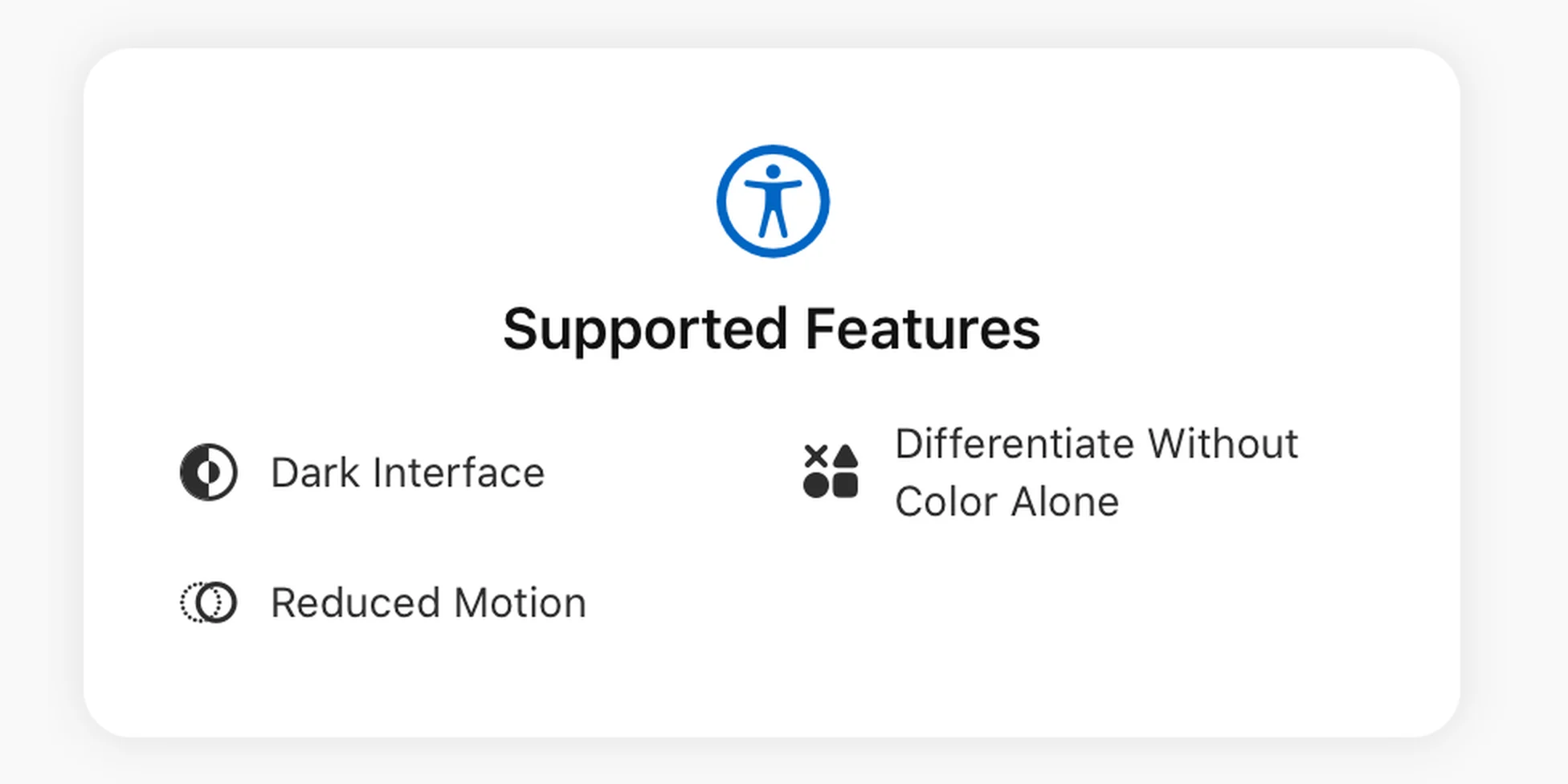
MinkNote respects accessibility choices that matter during long writing sessions. You can use the app in a dark interface, reduce motion-heavy transitions, and rely on labels and icons instead of colour alone when reading selection states or values.
MinkNote is designed to feel calm and predictable on your Mac. Dark interface support helps keep the writing space comfortable in low light or for users with light sensitivity, while still covering the common parts of the app you use to browse, search, organise, and edit notes.
For users who prefer less movement, MinkNote can reduce motion-heavy effects across the interface. Sliding, scaling, and spring-style animations give way to quieter behaviour, and the app also respects the system Reduce Motion setting when it is enabled.
Important states are not communicated by colour alone. Journal colours, selected items, and interface controls are supported by text, icons, or familiar macOS control states, making the app easier to scan for people with common forms of colour blindness.
These details keep accessibility part of the everyday experience rather than a separate mode. MinkNote remains simple, readable, and steady, so more people can focus on their notes without working around the interface.