Repairing Folders
MinkNote stores your notes as ordinary Markdown files and relies on macOS for permission to access their folders. In rare cases, macOS may lose or expire this permission, or a folder MinkNote expects may be missing.
Folder Repair can safely restore access without changing your existing notes.
Repair access to a project
If MinkNote can no longer open one of your projects, you may see a Repair option.
Choose Repair, then select the project’s existing folder when macOS asks you to approve access. MinkNote will reconnect the project to that folder and open it normally.
Your notes, journals and other files are not changed, moved or recreated.
Repair the MinkNote folder
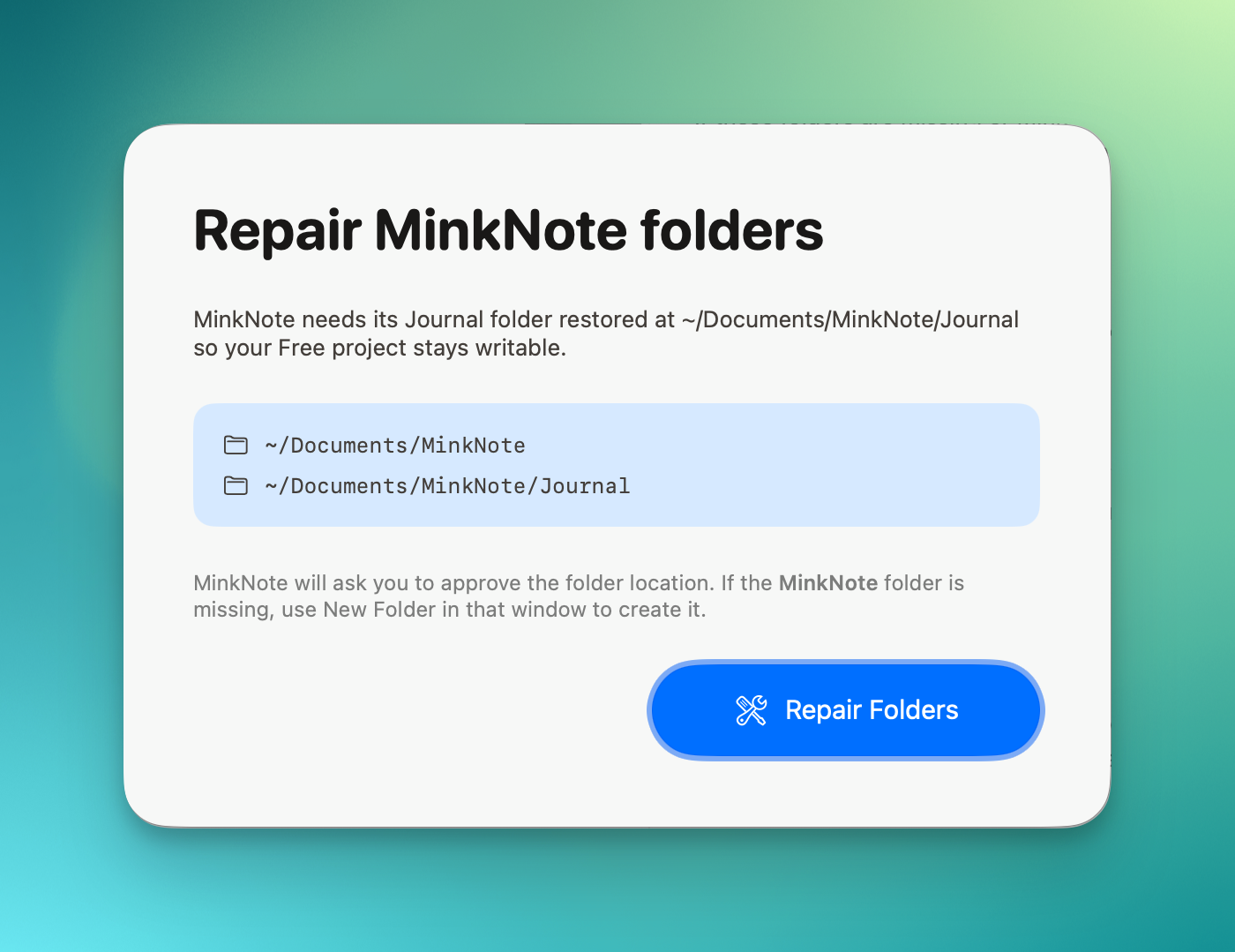
MinkNote also maintains its standard folder in your Documents directory. This includes the free project and journal that are always available with MinkNote.
If these folders are missing or MinkNote can no longer access them, Repair Folders restores the required folder structure and macOS access.
This is particularly useful if a subscription has ended and MinkNote has returned to the Free plan. Repair ensures that the Free project and its journal are available.
Existing folders are always preserved. MinkNote only creates a required folder when it is missing.
Is Folder Repair safe?
Yes. Folder Repair is designed to be non-destructive. It does not delete, overwrite or rewrite your notes.
If the folder already exists and is healthy, approving it again simply refreshes MinkNote’s permission to access it.
Most users should never need Folder Repair. It is there for the unusual cases where a folder has been removed, moved, or macOS needs to grant MinkNote access again.