Change Projects
What is a Project?
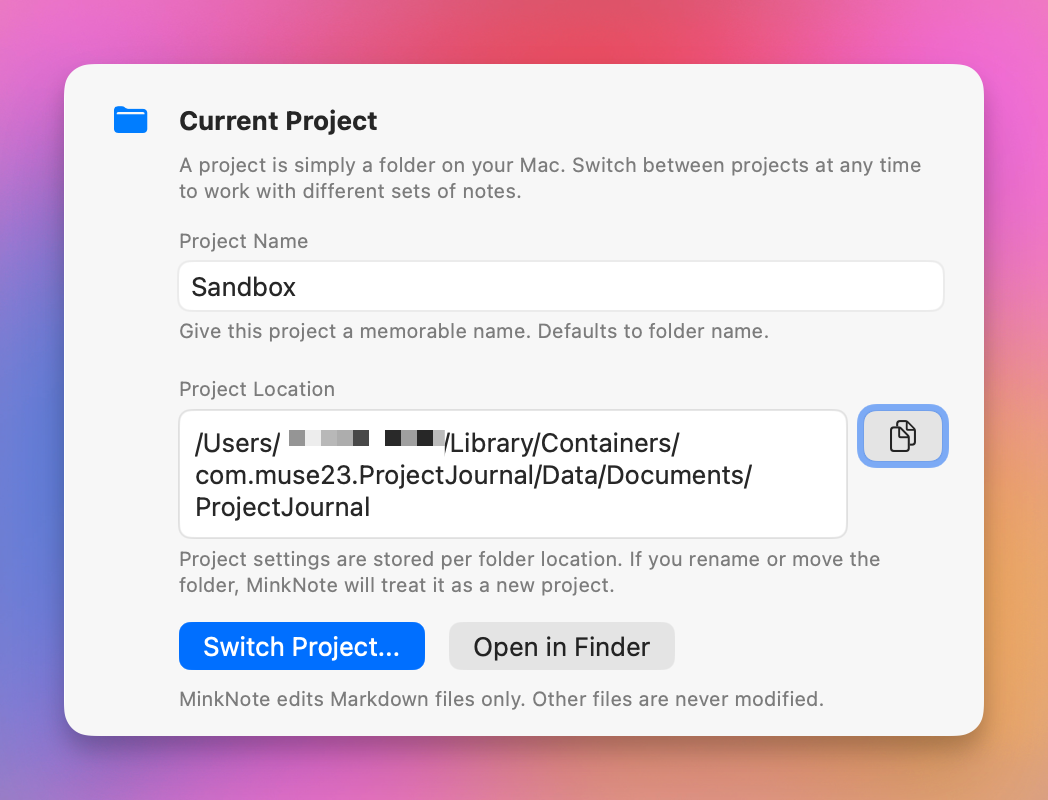
A project is simply a folder on your Mac. Switch between projects at any time to work with different sets of notes. Each project maintains its own settings and selection state.
How to Switch Projects
- Open Preferences and navigate to the Projects tab
- Click the Switch Project button
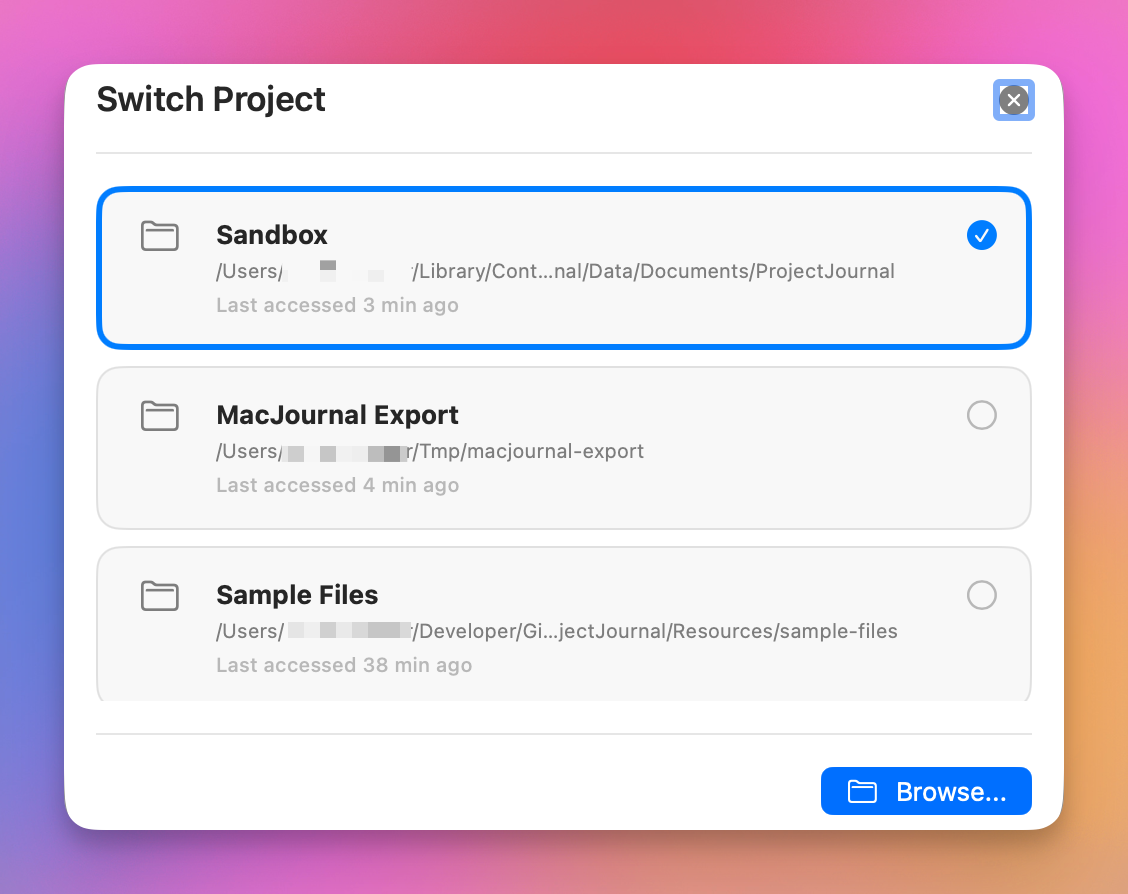
- Choose from your recently opened projects, or click Browse to select a new folder
What Gets Preserved?
When switching between projects, MinkNote remembers:
- All project-specific settings
- Your currently selected note and journal
- Window layout and view preferences
This means you can seamlessly switch between different projects without losing your place or reconfiguring settings.